
Business Needs · Reliable IT
IT Problems Shouldn’t Keep Interrupting Your Day.
Slow systems, lost connections and recurring faults cost your team time. Start with what is happening, who is affected and the work that cannot move forward.
Discuss An IT Problem →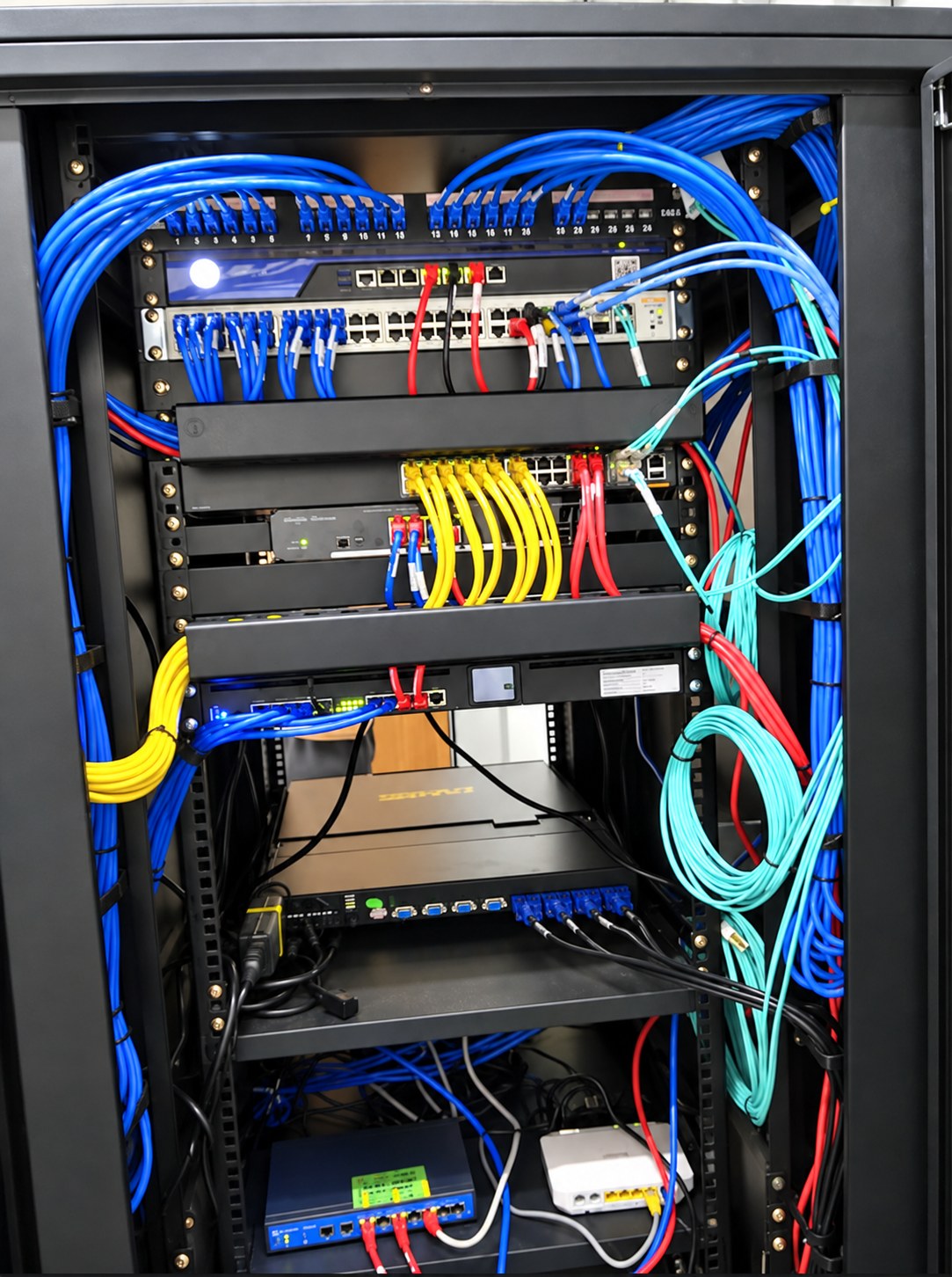
Does This Sound Familiar?
The Same Fault Keeps Returning
A restart gets work moving, but the problem comes back. Record the symptoms, timing and systems affected so the underlying issue can be reviewed.
Work Slows As The Team Grows
Applications, servers or Wi-Fi struggle at busy times. Understand where the delay occurs before deciding whether configuration, capacity or equipment needs attention.
No One Knows Who Owns The Issue
Staff move between suppliers or informal helpers. A clear reporting path and agreed responsibilities make the next step easier to follow.
Small Interruptions Add Up
Email access, shared files and device issues disrupt everyday tasks. Prioritise them by how much work they delay and how many people they affect.
Find The Help That Fits.
Ongoing Support Needs Structure
Explore an agreed service scope for recurring support, system upkeep and review of repeated issues.
Explore IT Managed Services →The Technical Foundation Needs Attention
Review servers, network connections, wireless coverage, storage or power protection as part of an infrastructure plan.
Explore Technology Infrastructure →Email And Collaboration Need A Clearer Setup
Consider Microsoft 365 migration, access, device configuration and practical guidance for your people.
Explore Modern Workspace →Bring The Symptoms. Start A Useful Conversation.
Prepare a short list of the faults, when they happen, the users affected and any previous attempts to resolve them. Existing equipment and support records can help; do not send passwords or confidential files.
What To Record When An IT Problem Returns →What Is Interrupting Your Team’S Work?
Explain the problem you see. We’ll help identify a practical starting point.